simple-gh-pages-theme
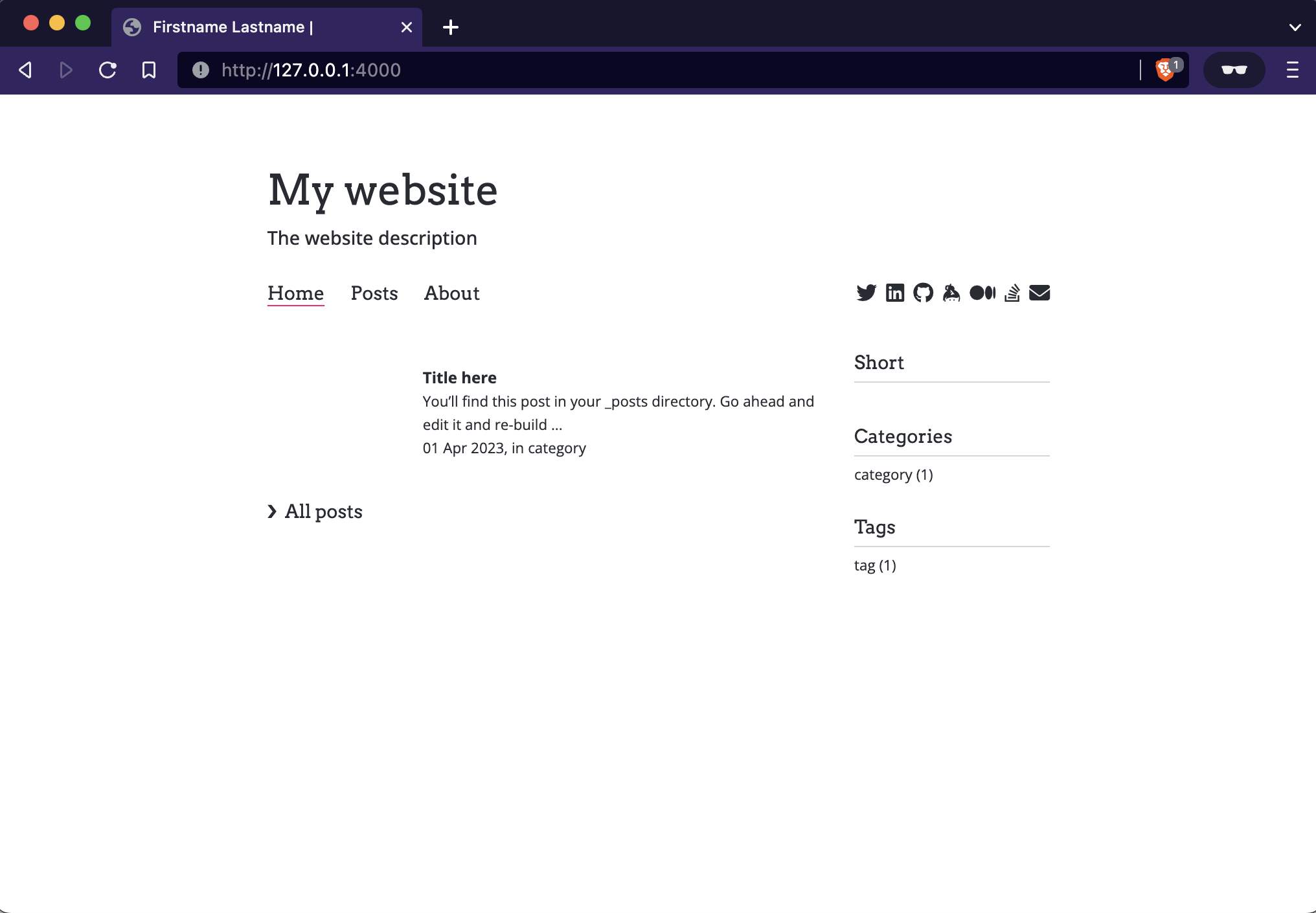
|

|
| simple-gh-pages-theme, after install and first post setup | in-use: https://jordiwippert.nl |
Quick installation
- Add this line to your Jekyll site's
Gemfile:
gem "simple-gh-pages-theme"
- Add this line to your Jekyll site's
_config.yml. Remove/disable possibly already enabled themes:
theme: simple-gh-pages-theme
- And then execute:
bundle
- Run install script to create 'posts.md'
bundle exec install-theme
- When you now run your website locally on
http://localhost:4000, it should show the theme:
bundle exec jekyll serve
Configuration:
See/use example config here. Copy to _config.yml
Usage
Posts
Create your posts like:
docs/_posts/published/yyyy-mm-dd-postname.md
Each post can have the following options (with defaults):
layout:     post
title:      "Title here"
image:      assets/images/image.png OR https://example.com/image.png
categories: [category]
tags:       [tag]
highlight:  false (if true: it will be used on about page, more here)
short:      false (if true: it shown in 'short' list on home page)
Contributing
Bug reports and pull requests are welcome on GitHub at https://github.com/lvenl/simple-gh-pages-theme. This project is intended to be a safe, welcoming space for collaboration, and contributors are expected to adhere to the Contributor Covenant code of conduct.
License
The theme is available as open source under the terms of the MIT License.